
Internet Safety

In an increasingly digital world, children are at a greater risk of being solicited and encountering unsafe people and situations online. Establishing healthy boundaries and having frequent, open conversations about internet safety and habits helps protect kids as they gain more access to the world around them.

Our Personal Safety and Community Awareness Program (PSCA) is constantly hard at work providing FREE prevention education both online and in person across Sarasota County, including lessons on Internet Safety for children, caregivers, and professionals who work with youth.
Jump ahead to the topic you need assistance with!
1 in 5
children are sexually solicited online.
Lauren’s Kids
About 30%
of teens have experienced cyberbullying at some point in their lifetimes.
Cyberbullying Research Center
30% of tweens stopped cyberbullying by reporting it to the website or app, but almost as many – 27% – don’t know how to report it.
Cyberbullying Research Center
95%
of teens in the US have access to a Smartphone.
Internet Crimes Against Children
45%
of teens report being online “almost constantly,” spending an average of 9 hours per day online.
Internet Crimes Against Children
Between 2021 and 2023, the number of online enticement reports increased by more than
300%
NetSmartz
Excessive screen time is associated with sleep disturbances, decreased academic performance, lower rates of physical activity, poor self-confidence and self-image, decreased social interaction and relationship skills.
NetSmartz
1 in 3
boys aged 9-to-12 reported having an online sexual interaction. This is the highest rate in five years of data collection.
Thorn
The risks of online exploitation are greatly reduced through open, honest, and ongoing conversations and education.
Here are some basic tips and practices to help kids stay safe online, instill critical thinking skills, and become model digital citizens.

For Kids:

Never share personal information such as your address, name, where you go to school, etc.
Keep settings on social media set to private and ensure location settings are turned off.
Always use kind words and report anyone who is acting mean or being a bully.
Tell a trusted adult if anyone or anything makes you uncomfortable.
Never agree to get together with anyone you only know online.
If/when posting about being out (such as going to the movies or to the fair with your friends), wait to post until after you’ve left that location.
Check photos before posting them to make sure there is no identifying information, such as a name tag, your school logo/name/uniform, a street sign for your neighborhood, etc.
Take time to think before sharing anything online. Once information or photos are put online, they will have a permanent digital presence. Decisions made now can have long-lasting impacts on your reputation and can affect future college admissions, job opportunities, and personal relationships.
If something happens that makes you uncomfortable or afraid, talk to your parents or another safe adult in your life- even if you did something you regret. There are people who want to protect you and can help you figure out what to do.
For Parents:
It’s important to be approachable- kids are often hesitant to share because they’re afraid of harsh consequences. Be a safe place for your child to turn to when they’re in a difficult situation.
Talk with your child about the difference between a friend and a stranger. Someone you only know online is a stranger. Remember that a person may pretend to be someone different online.
Take an active interest in your child’s digital world. Have frequent and engaging conversations and ‘show-and-tell’ about what games they play, who they talk to, which apps are their favorite.
Keep electronic devices in a high-trafficked area of your home, such as the kitchen or family room.
Set limits on screen time.
Establish rules for if and when children are allowed to take mobile devices into their bedroom, especially at night.
Utilize parental controls, set age appropriate filters, make sure location sharing is off within apps, and monitor age restrictions on games, apps, and social media- but remember, these are not a 100% safeguard!
With tweens and teens, explain the permanence of their online data and reputation. Decisions, posts, and comments made now can affect them in the future.
Set a good example! Put down your technology and have meaningful moments with your children.

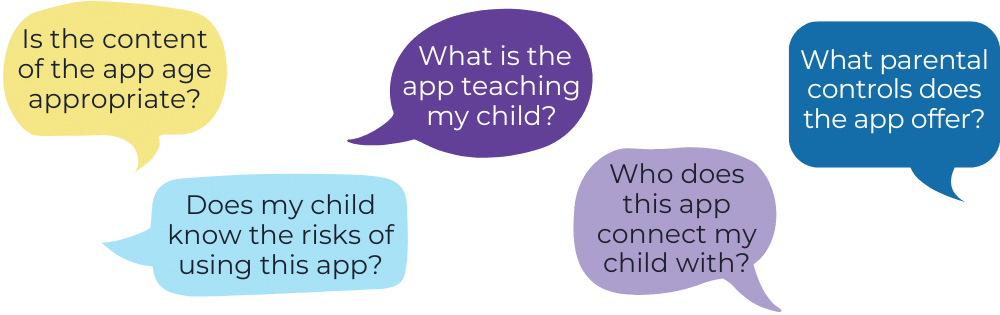
Many apps are filled with educational information, opportunities to create, and challenging games that can be fun and beneficial for your child. There are also often features that allow chatting with others, in-app purchases, and location sharing.
We recommend running through these questions as you research the app in question before deciding if it’s a safe and appropriate fit for your child.
Worried about your child’s gaming time? It’s natural to have concerns, but when approached the right way, video games are more than play- they can be an amazing tool for learning.
Check out these 8 expert-backed tips from UNICEF to help you create a positive and safe gaming environment while establishing healthy habits for your child.


TIP 1:
Press Start Together start

One of the best ways to connect with your child over video games is by playing together. Let your child teach you how to play.
It allows them to share their world with you and shows you’re interested in their hobby.
TIP 2:
A Powerful Tool for Learning
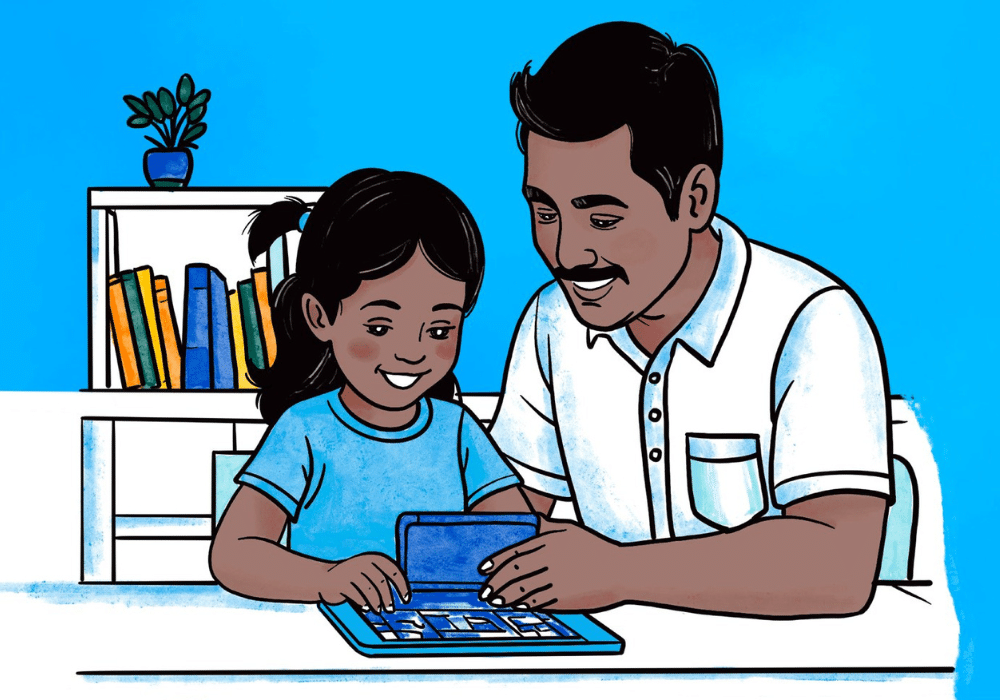
Video games can offer many benefits, including improved problem-solving skills, creativity, and social connections.
When chosen carefully, games can help children overcome challenges, think critically, and play cooperatively, all while having fun.
TIP 3:
Know Who Your Child Plays With

Encourage open conversations about the people they meet online and teach them not to share their personal information.
Let your child know they can always come to you is something feels uncomfortable. Parental controls also help limit contact with strangers.
TIP 4:
Help Manage Screen Time
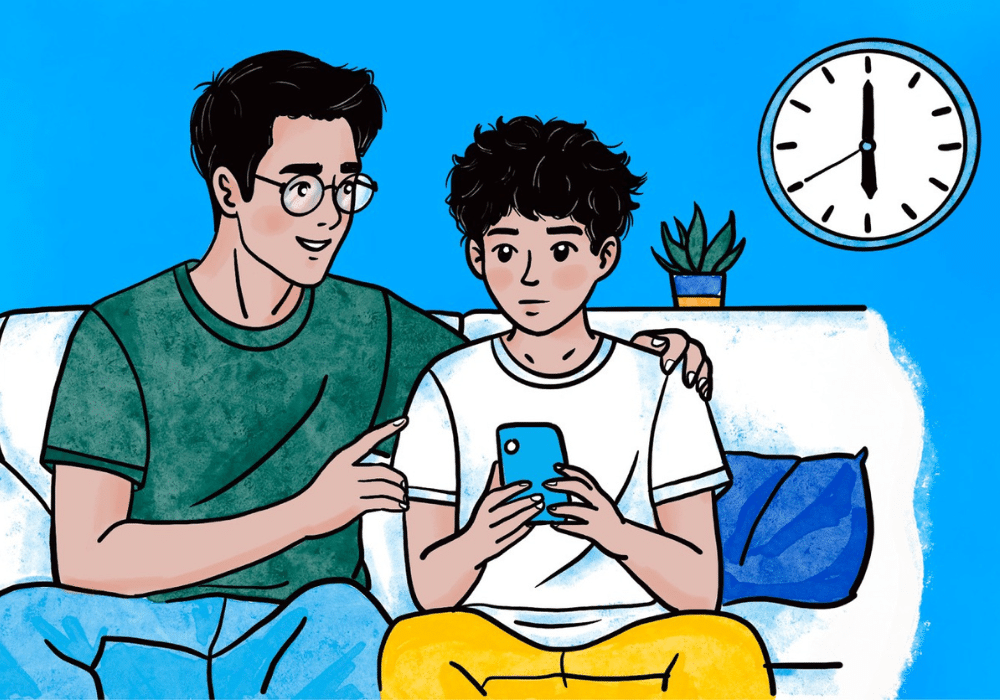
The screen time that’s appropriate for your child will vary based on their needs, school schedules, and activities. Help them recognize when it’s time to take a break.
Sharing your own struggles with screen time can also show them that finding balance is something everyone works on.
TIP 5:
Keep an Eye on Gaming Habits

If gaming starts replacing sleep, school, or social time, it might be a sign your child’s looking for something they’re missing elsewhere.
Rather than taking games away entirely, encourage them to participate in outdoor activities or spend time with friends who have different hobbies.
TIP 6:
Be Aware of Manipulative Design

Some video games are designed in ways that pressure players to spend money or keep playing longer than they intended.
Teach your child how to spot these manipulative tactics and discuss the importance of avoiding them.
TIP 7:
Watch Out for Toxic Communities

Some online gaming communities can foster toxic behavior, including cyberbullying.
Talk to your child about what’s okay (and not okay) online, how to report or block harmful players, and when to step away from a conversation. This will help them stay safe and respected.
TIP 8:
Know the Impact of Violent Content

Some games may have violent themes, so it’s important to choose what’s right for your child’s age and development.
Check video game’s age rating, read reviews, and play together often to understand its content.
Check out Common Sense Media for age-based reviews and ratings on games and other media.

You and your child can take the quiz below to practice online safety skills and knowledge!
Keep reading for more information and resources for online safety, grooming, conversation guides, social media, smartphone introduction, common teen slang, and digital abuse.


Online safety education via the National Center for Missing & Exploited Children

Age-based ratings and reviews parents trust

Showing families how to create safer digital spaces
It’s important for parents to understand what grooming looks like and to teach kids how to deal with strangers online before they have access that lets them chat and connect with others. Helping kids distinguish safe online relationships from risky ones is key, as well as providing tools for knowing when and how to ask for help, or cut things off.
Talking openly with your kids not only increases their knowledge about the topic but their willingness to tell you when issues come up. These discussion guides from Thorn can help guide uncomfortable but critical conversations. There are numerous guides for parents at different levels of comfort with children age 7-17, including making “friends” online, consent, and sharing private photos.
What’s the difference between a DM and an IM? Can strangers see what my kid is posting? Are gaming platforms the same as social media? When it comes to the places kids connect online, there’s a lot to sort out. Understanding how the different spaces work will help you to keep your kids safe.
Ownership of a smartphone is one of the biggest rites of passage for today’s youth – in most families, the question of introducing a smartphone has become less about “if” to introduce a smartphone to a child than “when” and “how.” Parents and caregivers worry, appropriately, about opening up the unmediated world of social media apps and internet content to their child. When is the right time? What should families know about how to assess child readiness for a smart device?
Children and Screens convened a panel of media experts, child safety advocates, parenting coaches, and communications researchers to answer the essential questions for parents and caregivers around smartphone introduction, preparing families for healthy use of these powerful devices, and addressing how to head off difficulties with youth smartphone use.
Familiarizing yourself with text speak and popular slang terms can help you better communicate with your child, keep them safer online, and recognize when sensitive topics are being discussed secretively. In this blog post by Bark (a parental controls company that helps families keep their kids safe online and in real life), they’ve gathered today’s most popular slang terms. Bark is always updating this post when new slang surfaces on the web, so save this as a resource to come back to whenever you need it.
With the steady rise of smartphones, there has also been a steady rise in digital abuse and cybercrimes against children involving explicit images.
This type of abuse can be traumatic and isolating. Kids experiencing the non-consensual sharing of their intimate photos or sextortion often do not see themselves as victims and instead believe it is their fault this is happening to them. They can feel shame, fear, hopelessness, and isolation. They often worry that they might get in trouble with their parents or be suspended from school. Learning about how digital abuse happens and what to do to protect your child is an important step in guiding a dialogue to prevent it from occurring in the first place.
Legal Resources: